
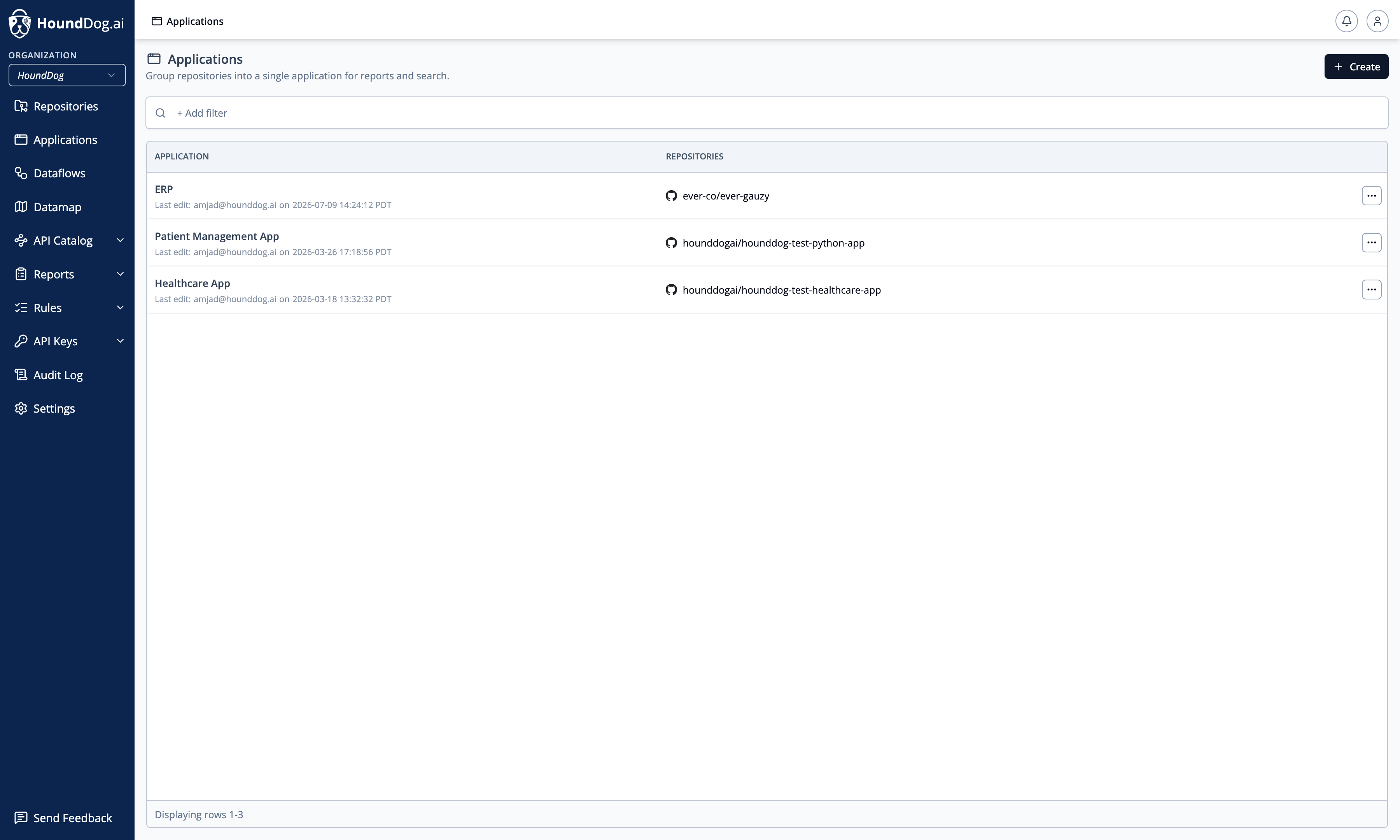
Applications group repositories into a single logical unit for reports and search. A typical application is made up of several repositories — for example a backend, a frontend, and an authentication service — and grouping them gives you one comprehensive view of the application’s dataflows.
Creating an Application
Section titled “Creating an Application”Click Create on the Applications page, give the application a name, and select its repositories — at least one, and at most 10. For each repository, select the branch to include: reports and datamaps for the application are built from the pinned branch of each repository. Repositories and branches can be changed later from the application’s detail page.
Managing Applications
Section titled “Managing Applications”The list can be filtered by Application and Repository. Each row’s actions menu offers Edit and Delete; the application name can also be renamed inline on the detail page.
Creating, editing, and deleting applications requires Owner or Admin. Members can view applications and use them as a filter.
Where Applications Are Used
Section titled “Where Applications Are Used”- PIA reports are scoped to an application: the report’s datamap and detected risks are populated from the application’s repositories.
- Search and filters across the platform can target an application instead of individual repositories.