
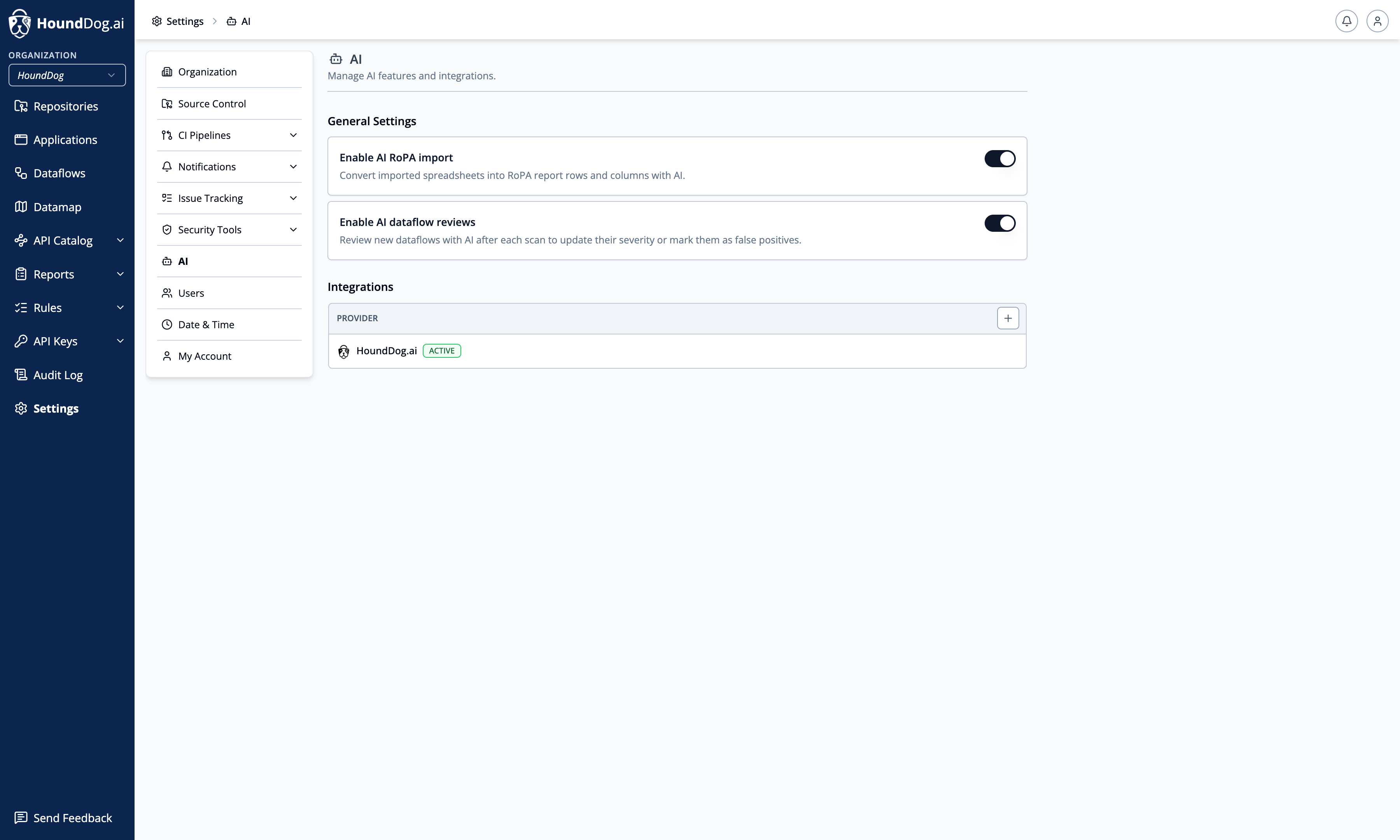
Under Settings → AI, connect an AI provider and control the organization-wide AI features that use it.
AI analysis is entirely optional, but highly recommended for significantly higher precision and recall. All findings are produced by the scanner’s deterministic static analysis engine and remain fully deterministic without AI: the AI layer only reviews findings that already exist and never influences detection. Your repository is never uploaded wholesale. For each finding under review, HoundDog.ai sends the finding’s dataflow trace, the matched code segments, and the contents of the source file containing the finding; for RoPA import it sends the imported spreadsheet.
By default, AI features on the Cloud Platform run on HoundDog.ai’s managed AI. Adding your own provider integration and marking it Active switches AI features to your account and keys, so your existing DPAs, data residency controls, and contractual terms with that provider apply. Self-hosted deployments have no managed option — AI features there require your own integration.
Without AI
Section titled “Without AI”Without AI, all findings are generated by deterministic static analysis. You can manually mark findings as false positives, and the scanner honors those decisions in future scans. This works well at a small scale, but for organizations scanning hundreds of repositories, manual review becomes time consuming.
With AI
Section titled “With AI”When AI analysis is enabled, HoundDog.ai automatically reviews the deterministic findings produced by the scanner to:
- Mark false positives as Ignored
- Adjust severities based on implementation context
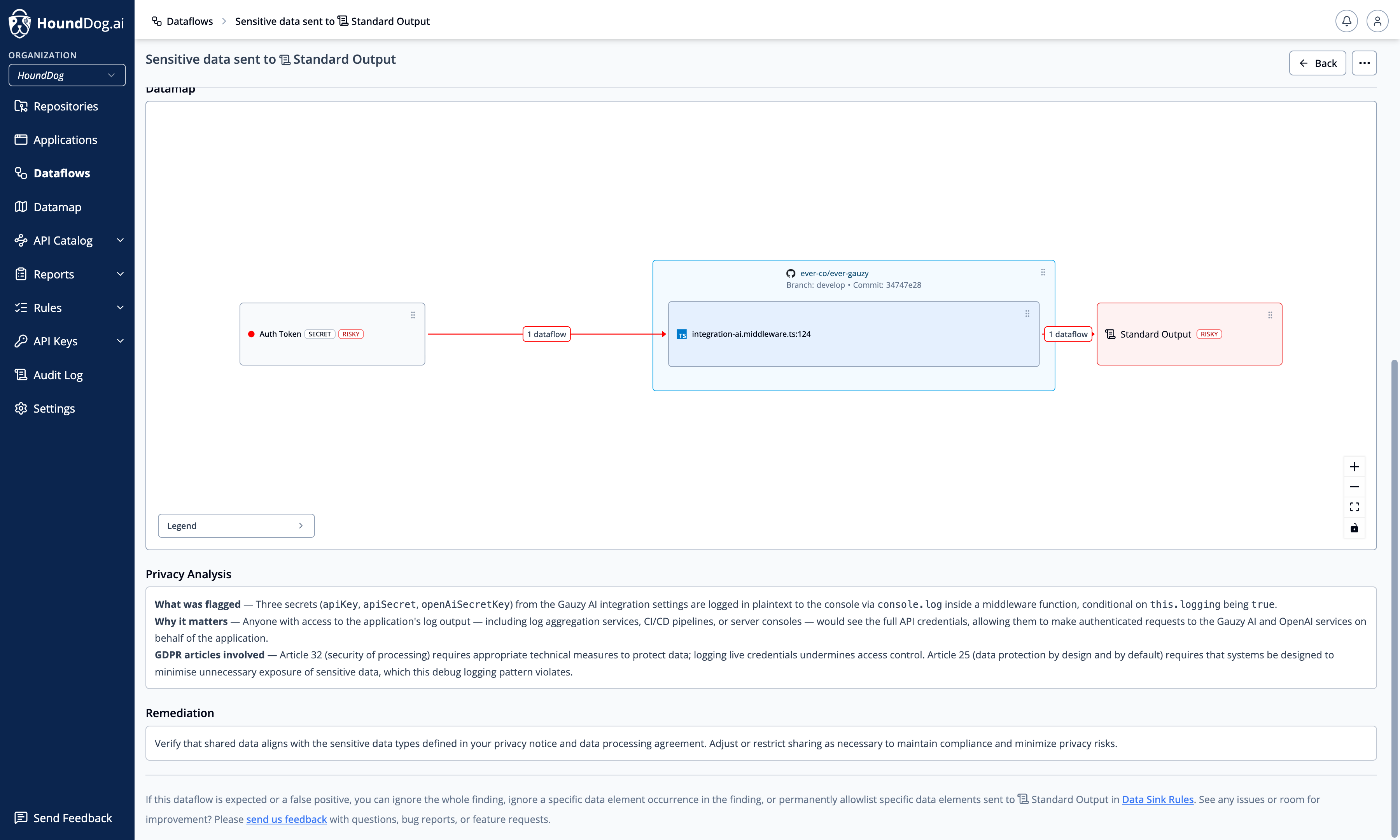
- Generate a plain-language privacy analysis covering what was flagged, why it matters, and the GDPR articles involved
Scanning itself continues to run entirely within your CI environment on standard CPU infrastructure, with negligible impact on pipeline time.
The example below shows an AI-reviewed dataflow: the flow visualization plus a generated privacy analysis explaining what was flagged, why it matters, and which GDPR articles are involved.
Provider Integrations
Section titled “Provider Integrations”Supported providers:
| Provider | Required fields |
|---|---|
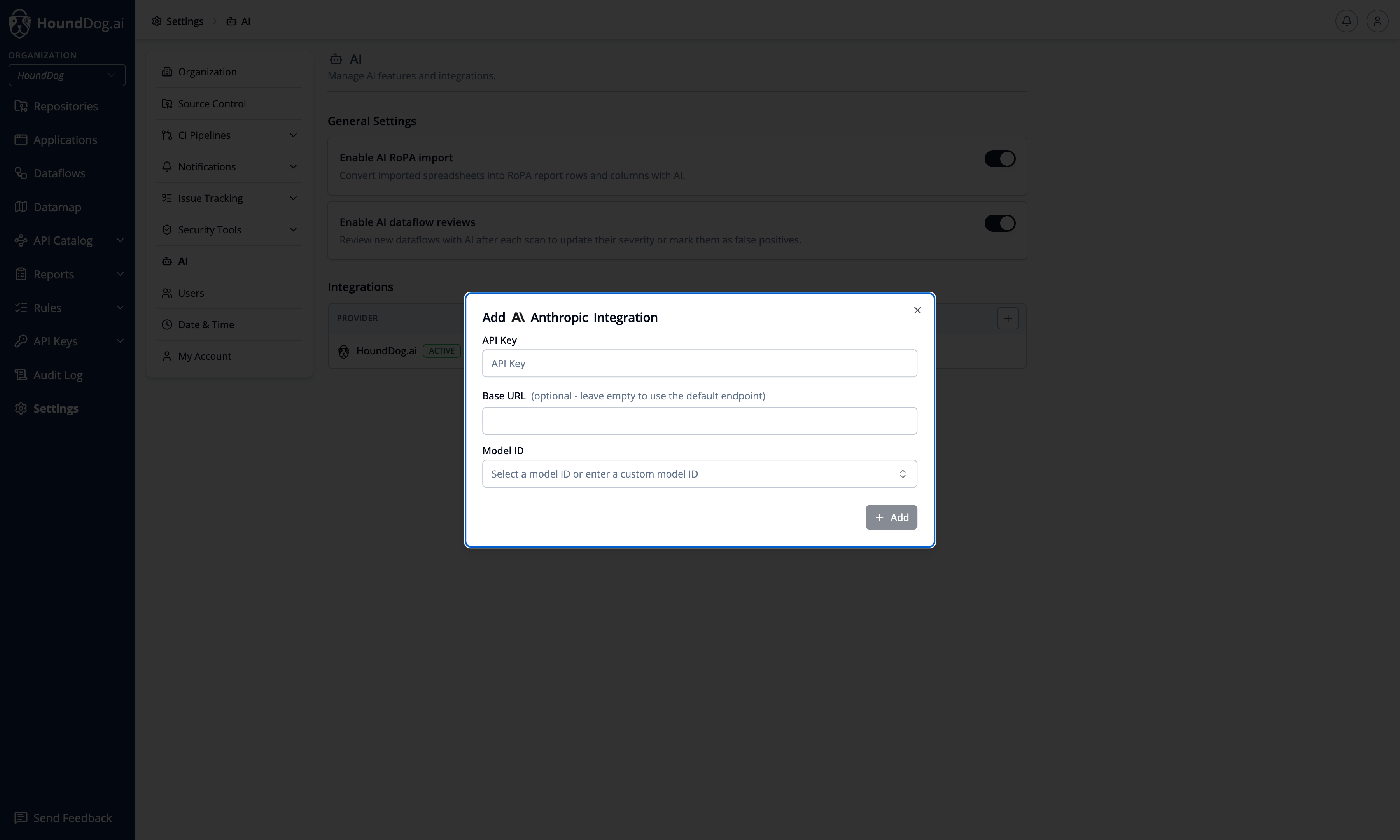
| Anthropic | API key, model (e.g. Claude Opus 5, Claude Sonnet 5) |
| AWS Bedrock | API key, model (e.g. global.anthropic.claude-opus-5), AWS region |
| Google Gemini | API key, model (e.g. Gemini 3.6 Flash) |
| Azure OpenAI | API key, base URL (your resource endpoint), model or deployment name |
| OpenAI | API key, model (e.g. GPT-5.6 Sol) |
Model IDs are free-form — the listed options are curated suggestions, and you can enter any model ID your provider account has access to. Each integration has a Test action that sends a ping prompt to the provider, and one integration is marked Active at a time; the active integration is what AI features use.
Organization Toggles
Section titled “Organization Toggles”- Enable AI dataflow reviews — after each scan, new dataflows are reviewed by AI to update their severity or mark them as false positives. Dataflows already reviewed by the scanner’s own AI review during the scan are not re-reviewed. Individual dataflows can also be reviewed on demand from the dataflow detail page.
- Enable AI RoPA import — spreadsheets imported into RoPA reports are converted into report rows and columns with AI.