
API keys authenticate the scanner (and direct REST API calls) against your organization. There are two scopes:
| Scope | Intended use |
|---|---|
| Personal | Everyday use, such as development on your personal device. Tied to your user account, and acts with your full permissions. |
| Organization | CI/CD pipelines and shared automation. Authenticates with no user-level permissions beyond downloading scan rules and uploading results. |
Creating a Key
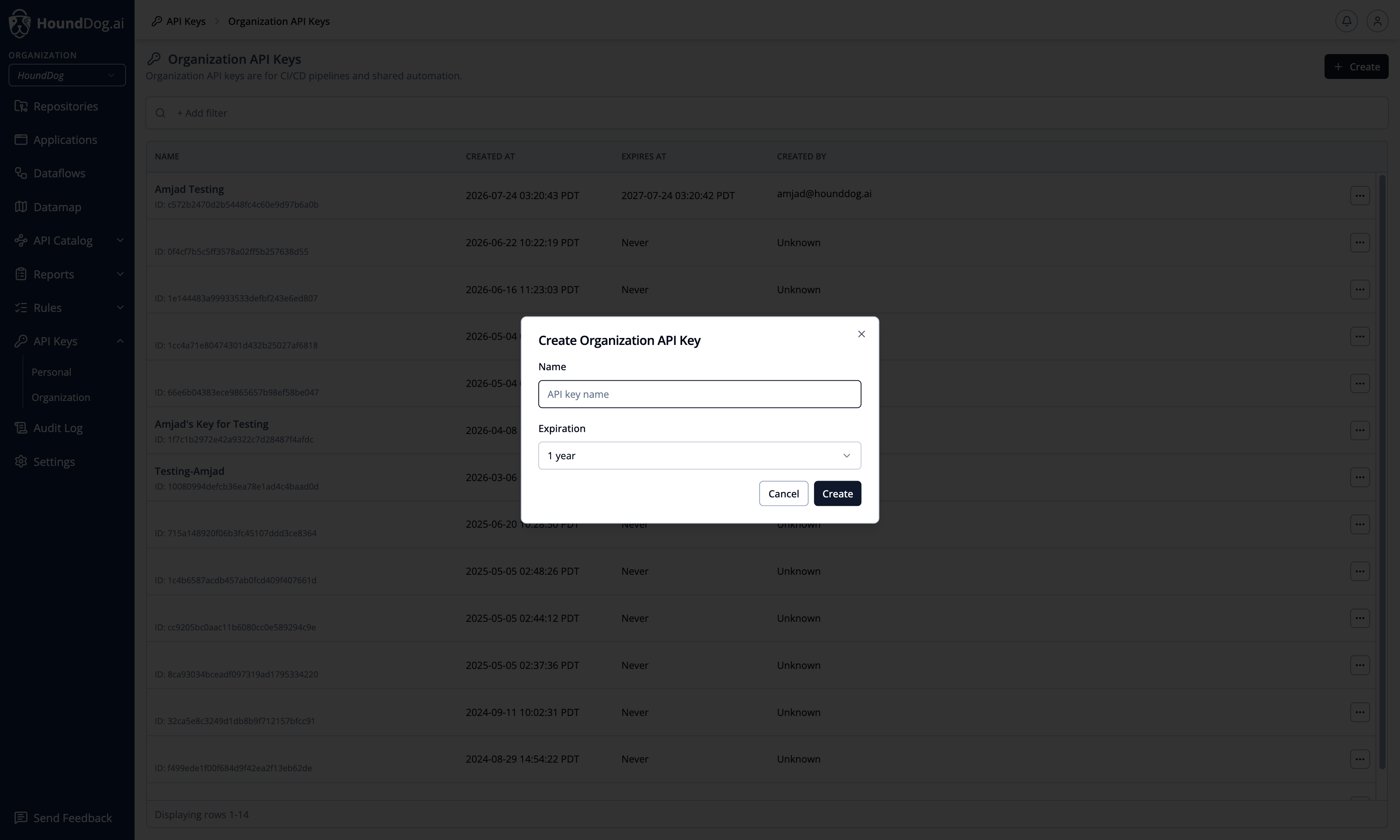
Section titled “Creating a Key”Click Create, name the key, and choose an expiration: 2 weeks, 1 month, 3 months, 6 months, 1 year (the default), or
never. The token value is displayed once, at creation time — store it in your secret manager. Set it as the
HOUNDDOG_API_KEY environment variable for the scanner (see Scanner API Key).
Managing Keys
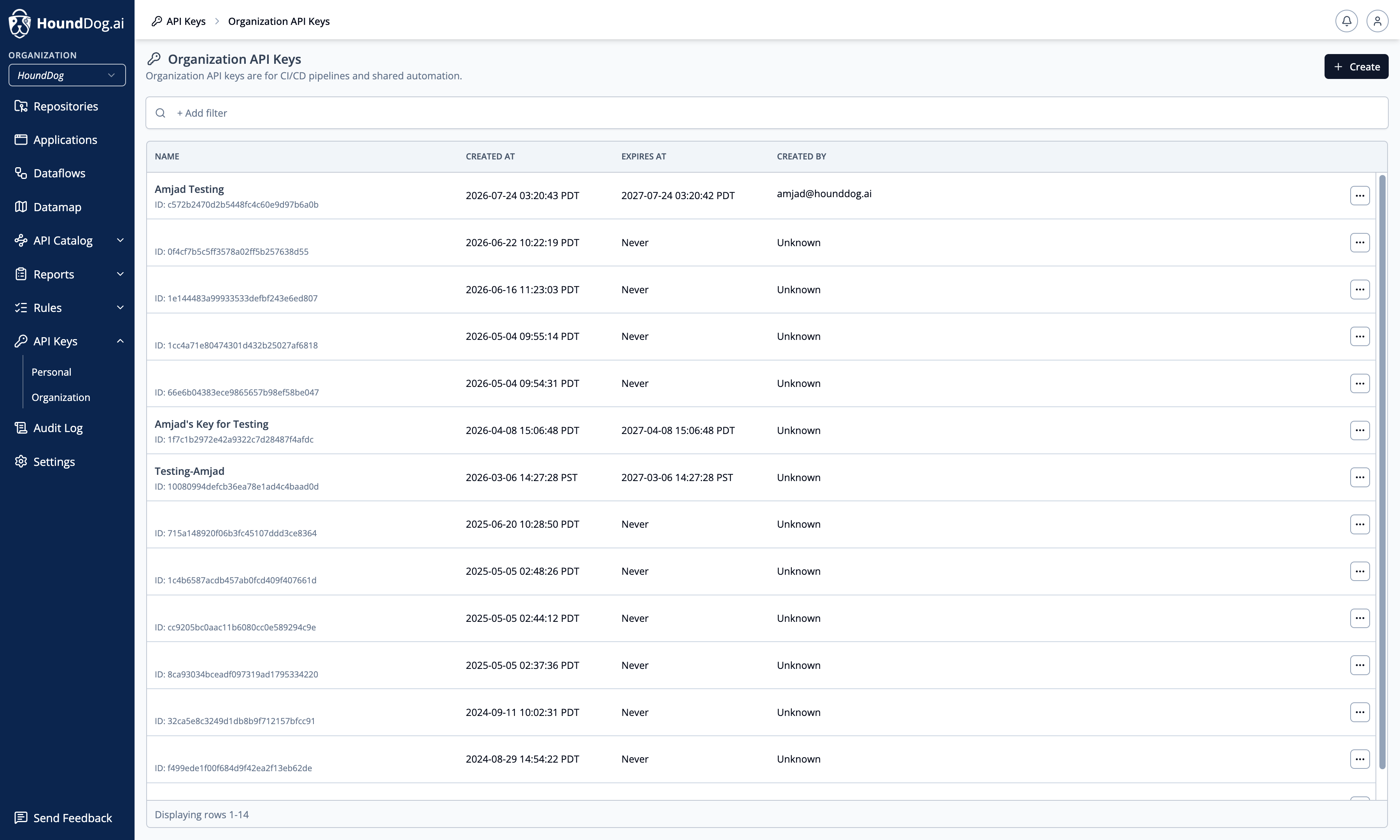
Section titled “Managing Keys”Each key’s detail page shows its name, a reference ID (not the token — it cannot be used to authenticate), token usage, who created it for organization keys, and its creation and expiration dates. Keys can be revoked at any time, which takes effect immediately.
For security, requests authenticated with an API key cannot create, list, or delete API keys — key management always requires a signed-in browser session.